
Loading...
Loading...
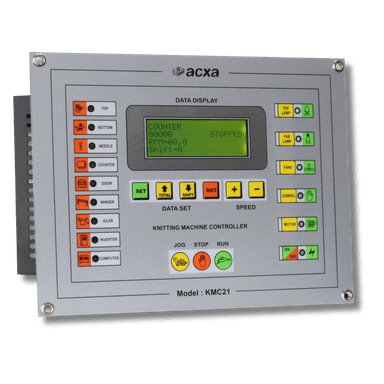
Wiring guide for the KMC21 controller, compatible with Mayer & CIE, Terrot, and Fukuhara machines.
Disconnect the main power supply. Verify with a multimeter.
Never work on a live machine.
The KMC21 replaces the original 238x182mm controller on Mayer, Terrot, and Fukuhara machines. Remove the old unit and label all wires.
Follow the KMC21 wiring diagram exactly. The terminal layout is printed on the rear of the unit. Cross-reference with the diagram image below.
Insert the KMC21 into the panel cutout and secure with the provided clips. Route cables neatly with cable ties.
Apply power. The KMC21 will display the home screen. Configure machine parameters: dial size, speed limits, and safety triggers.